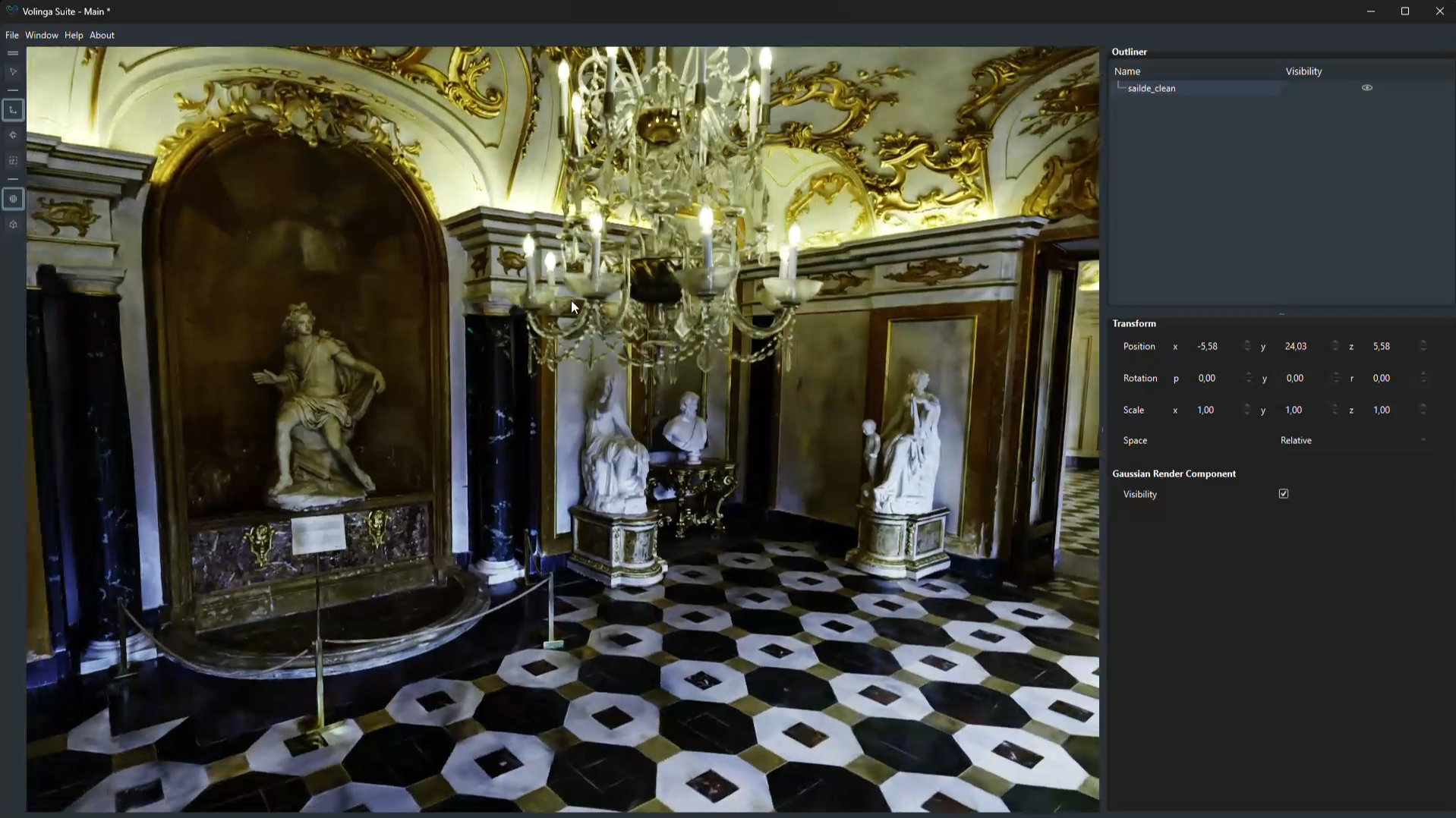
Follow these steps to export a COLMAP dataset from RealityScan and train Gaussian Splats models in Volinga Suite.
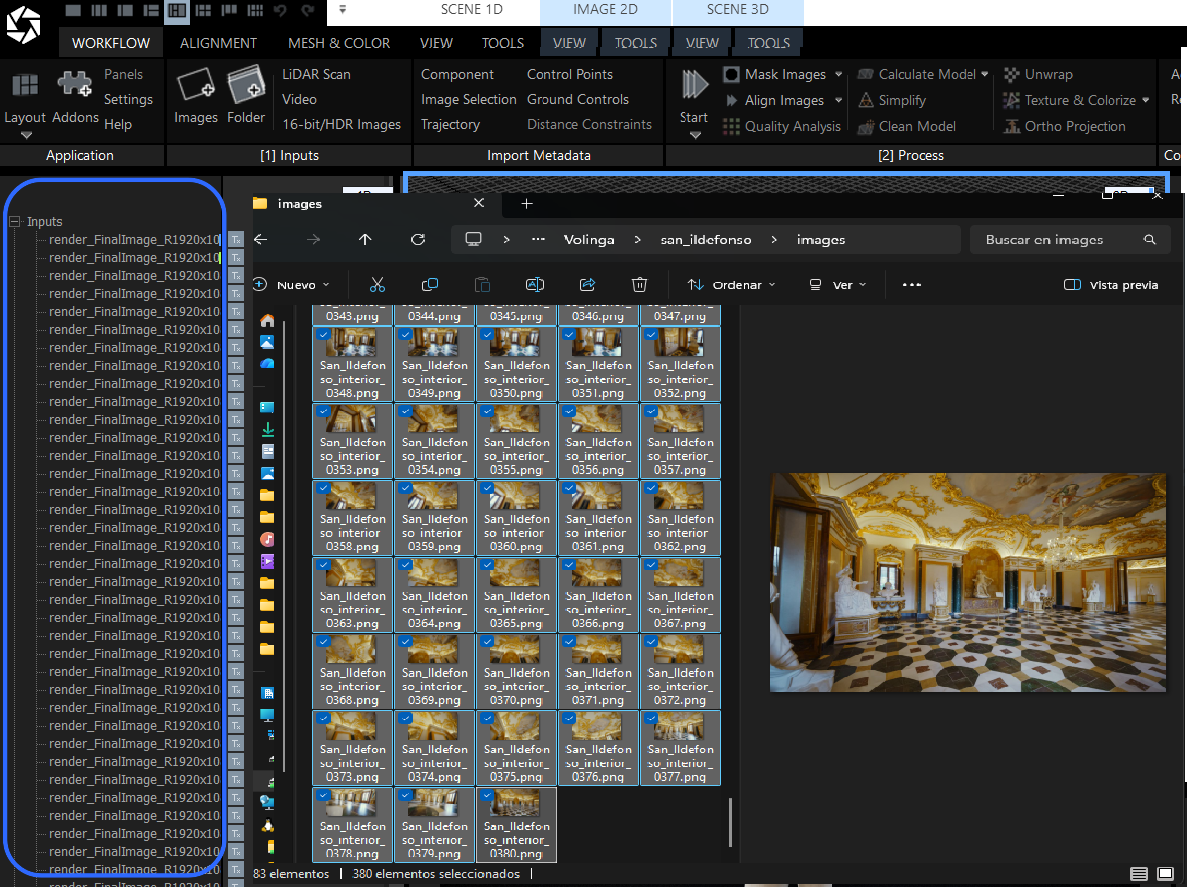
¶ 1. Import your media into RealityScan
Open RealityScan and drag and drop the image files into the Import & Metadata tab in the WORKFLOW menu.
¶ 2. Align it
Go to the ALIGNMENT menu and select Align Images.
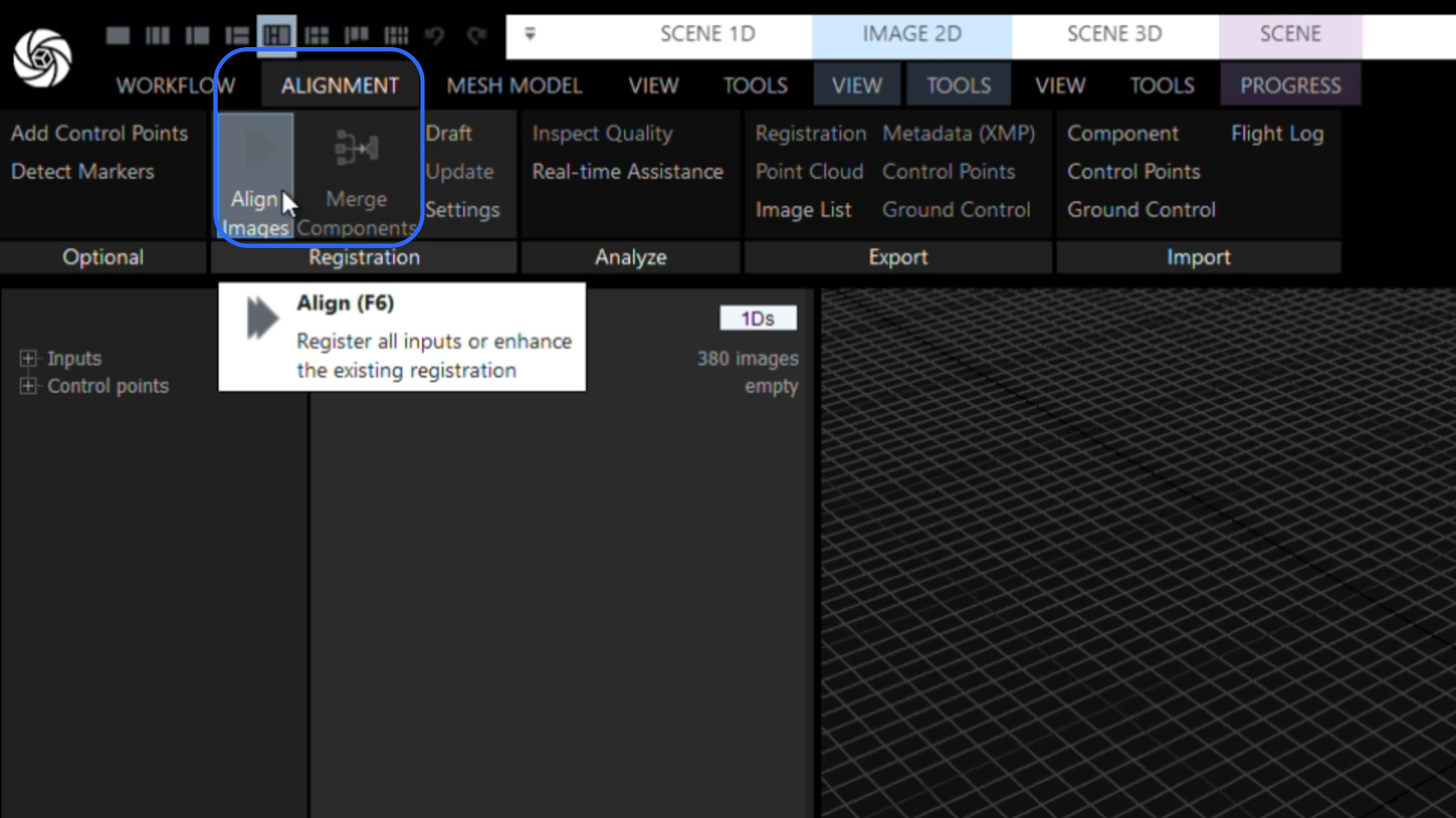
The Alignment process starts matching features between images and estimating camera positions. This step creates the initial 3D structure of the scene by finding overlaps across all captured images.
¶ 3. Export to COLMAP format
Click Registration in the Export tab of the ALIGNMENT menu.
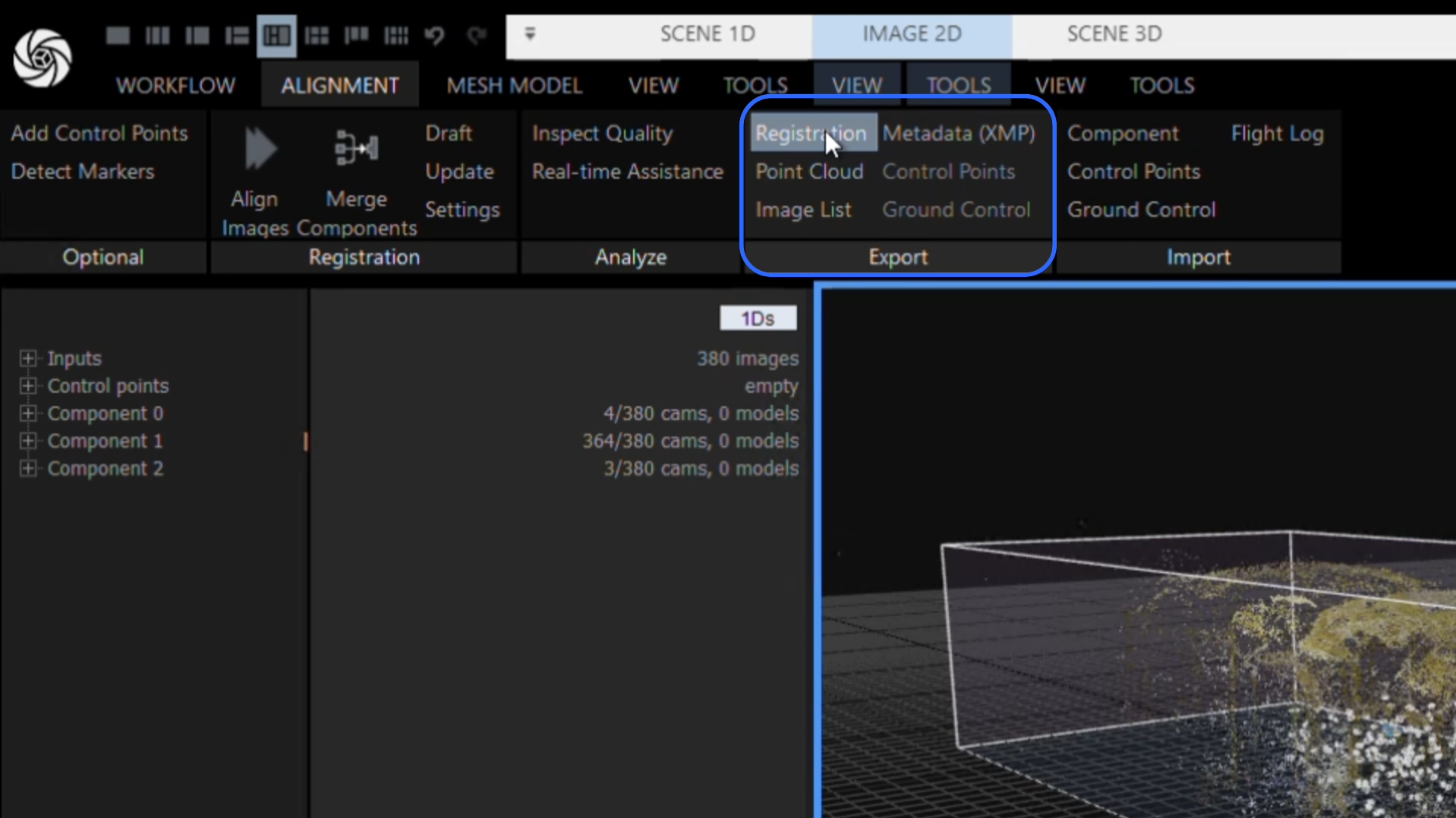
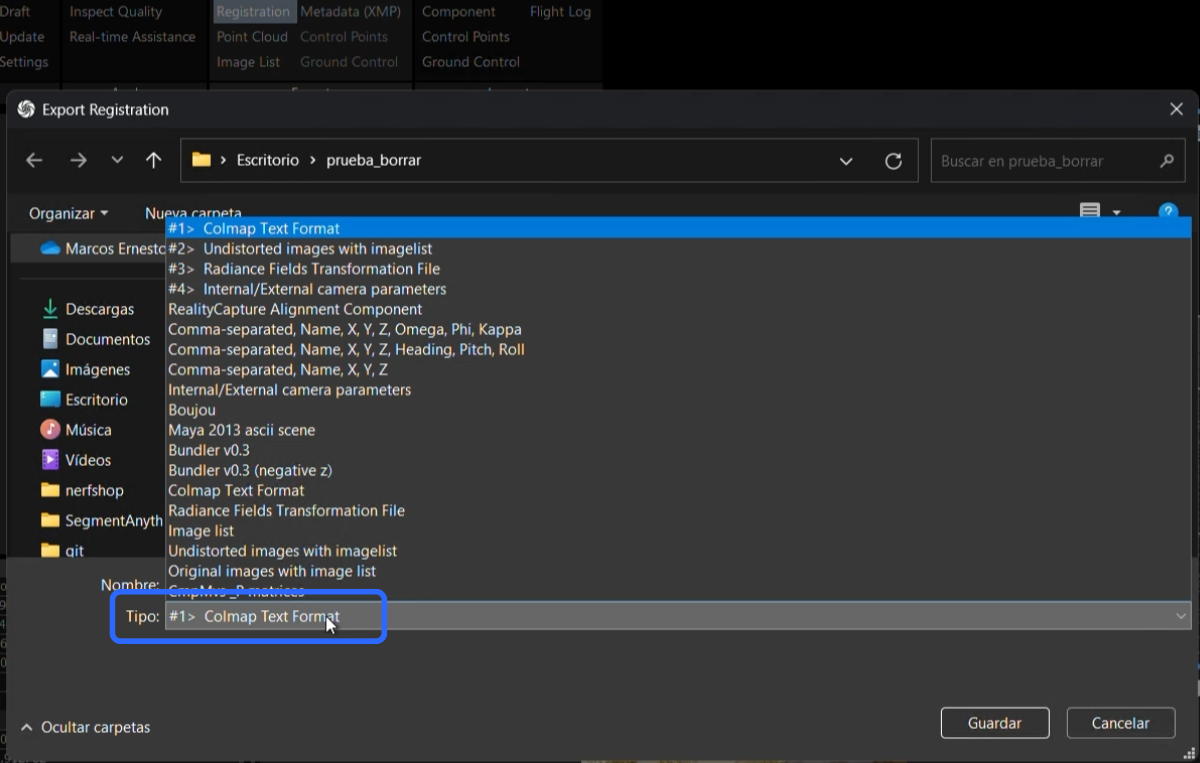
- In the File Browser, select the COLMAP Text Format export option and name the file.
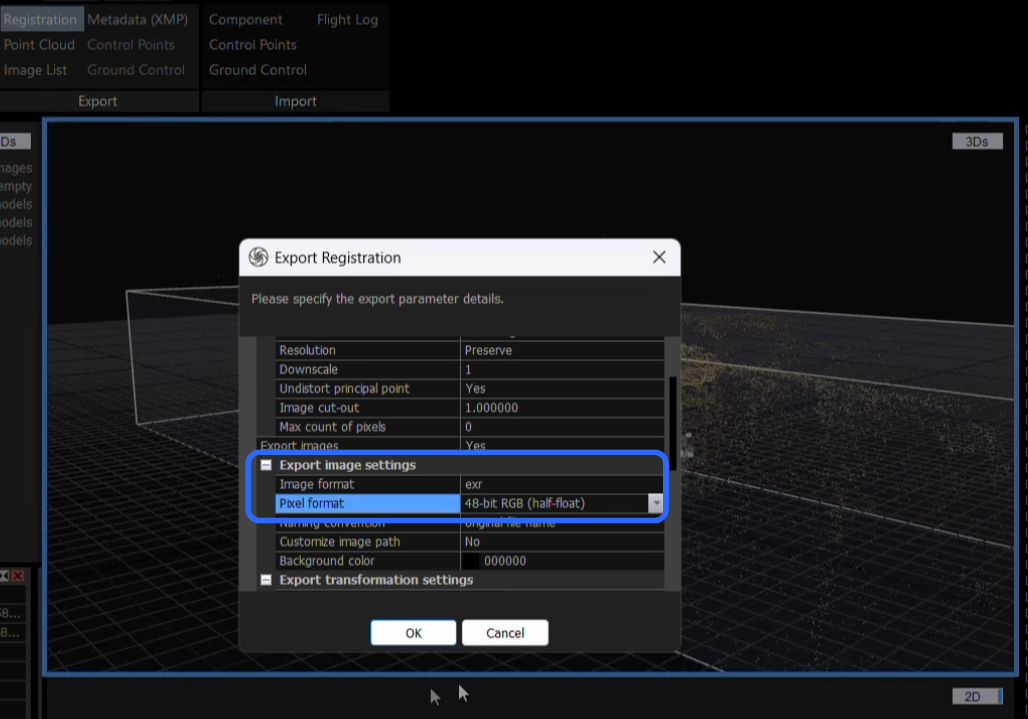
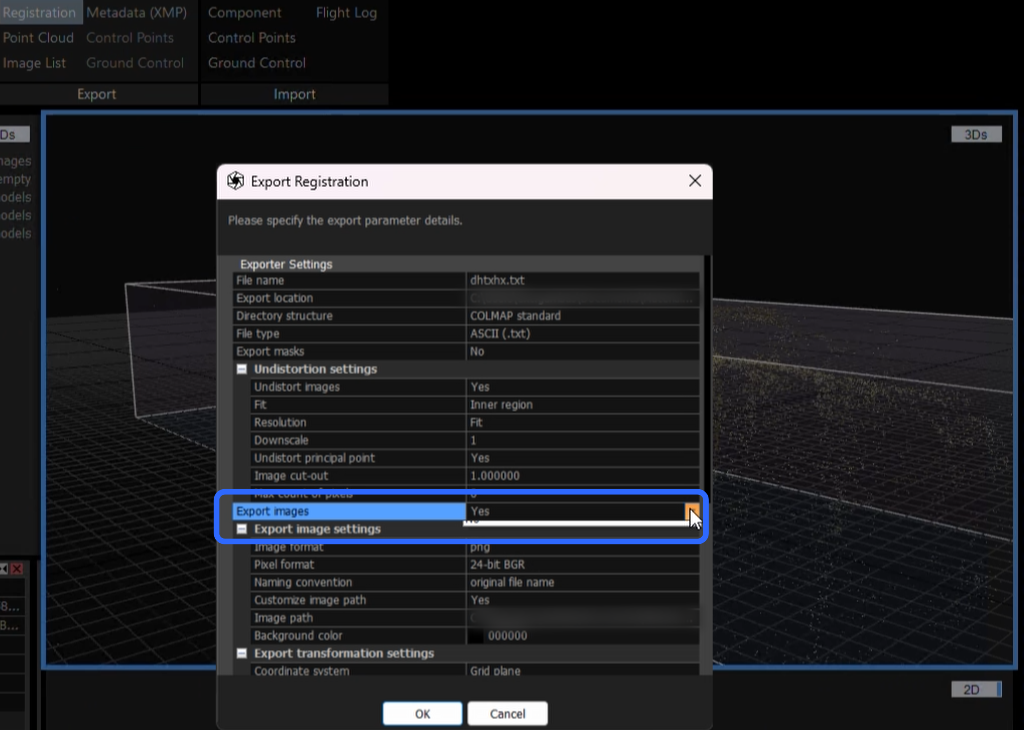
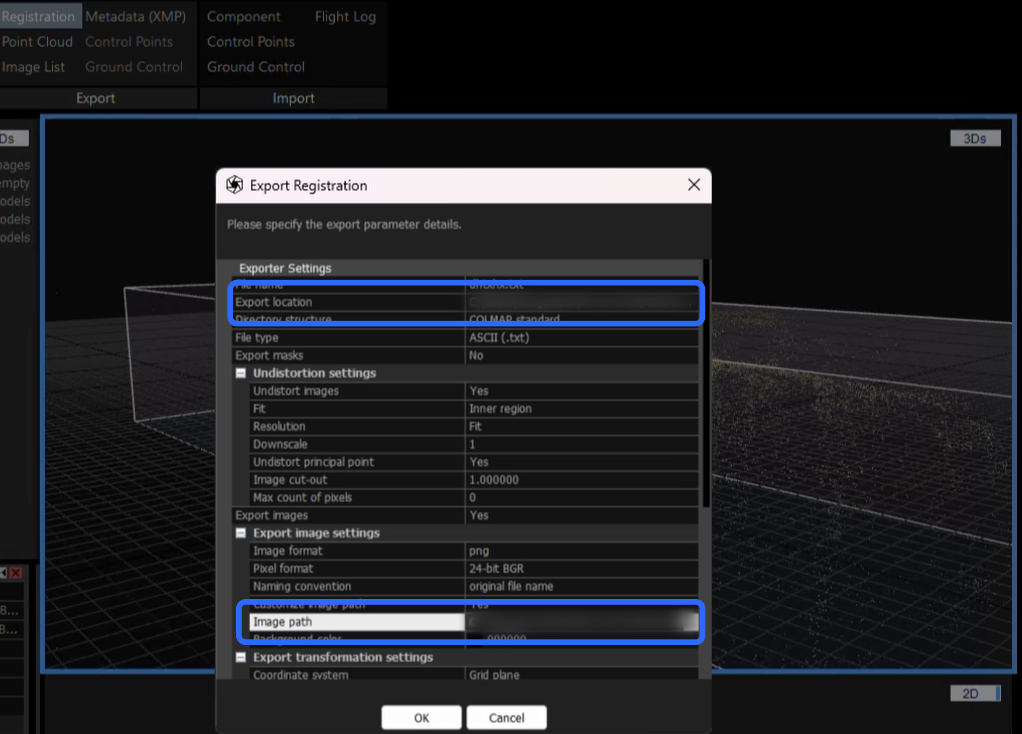
- In the Export Registration menu, configure the COLMAP export settings. Enable Export Images, by selecting Yes option, to include dataset images and select the desired image format. Define the output paths for the sparse files and images, or use the same directory for both to store all COLMAP data in a single location.
¶ 4. Train in Volinga Suite as a new asset
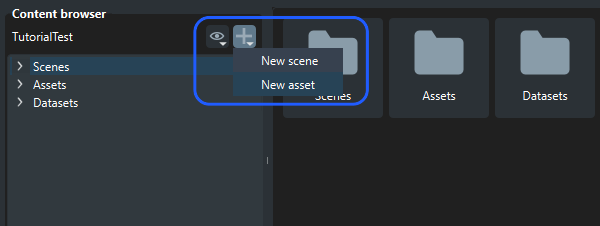
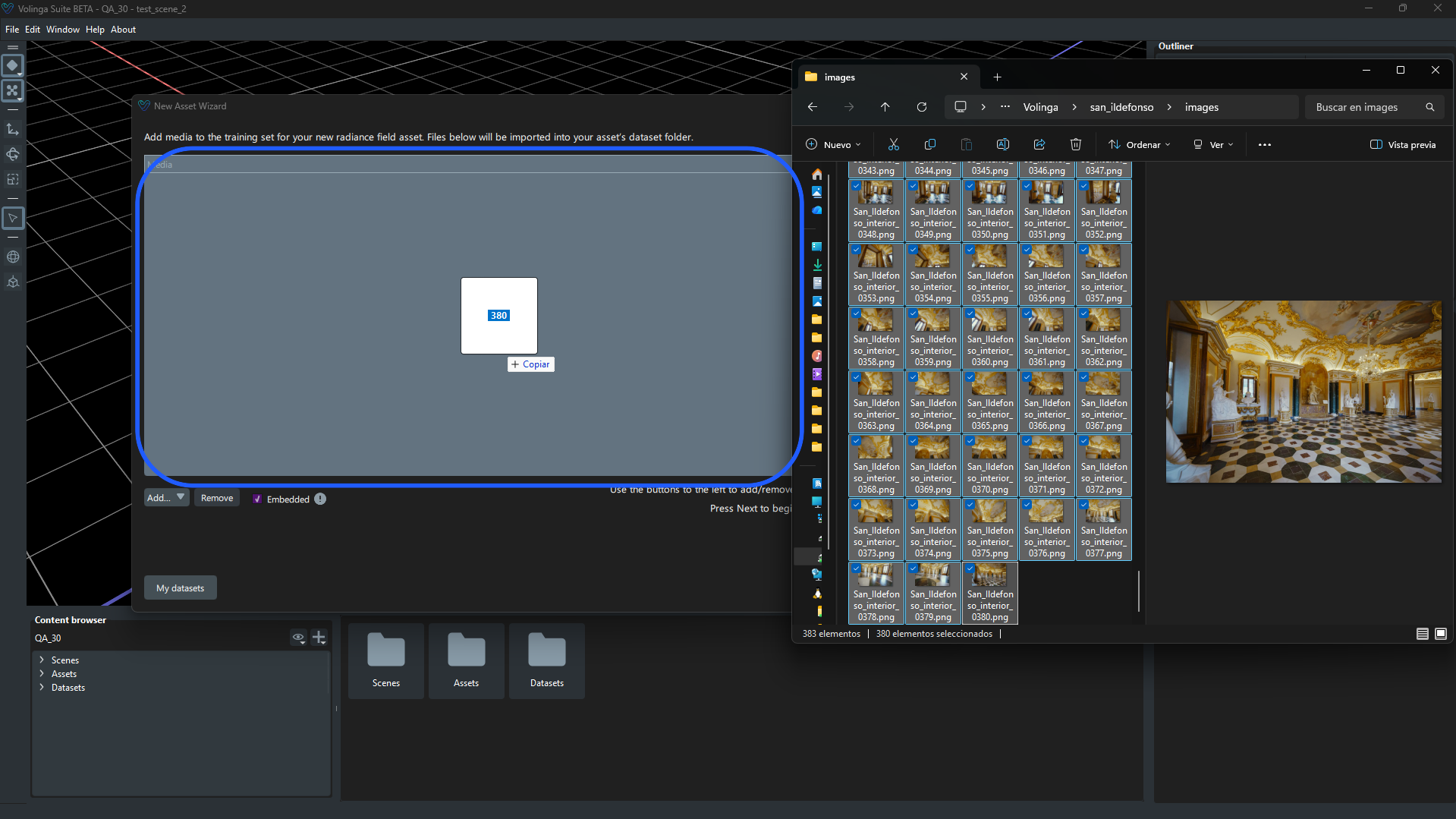
Import COLMAP data using the Media Importer in the New Asset Wizard by providing the required sparse files (cameras, images, points3D) and source images. This data is used for training and initializing the Volinga Suite 3D reconstruction process.
- For a detailed step-by-step process, check the COLMAP Registration tutorial in Volinga Wiki: colmap-registration.
¶ 5. View it in the Volinga Suite viewer
Once the asset has been generated in Volinga Suite, it can be previewed by dragging it from the Content Browser into the viewport, where the reconstructed result is displayed.