¶ Planar Reflections
Important
Only for translucent materials.
Follow these quick steps to recover 3DGS reflections on translucent planar surfaces easily:
- Open your project in Unreal Editor.
- Create a material with the following parameters:
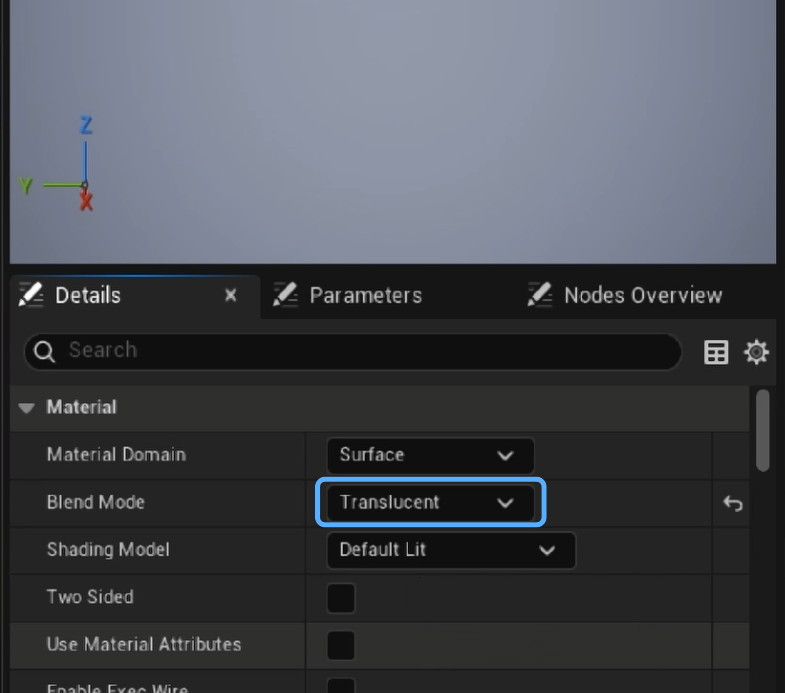
- Select Translucent in Shading Blend Mode.
- Select Surface Translucency Volume in Translucency → Lighting Mode.
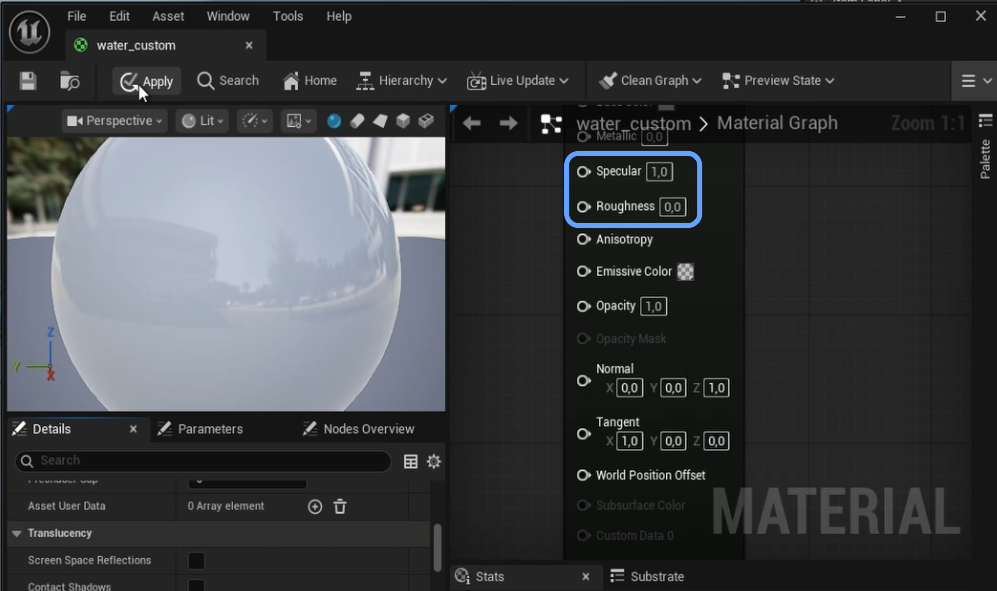
- Make sure the material is ready to receive reflections by tweaking the roughness/specular factors.
- Assign it to the reflective asset.
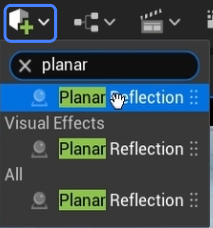
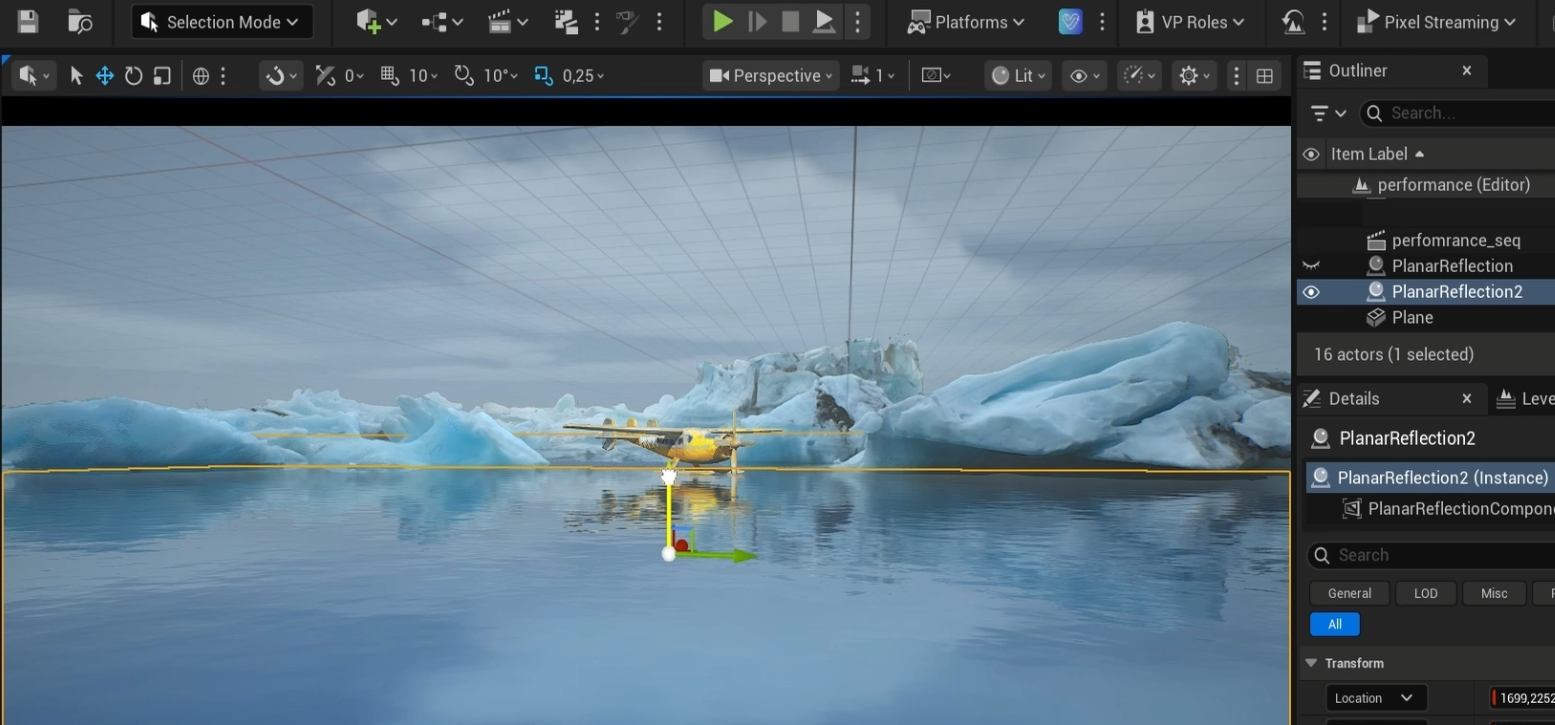
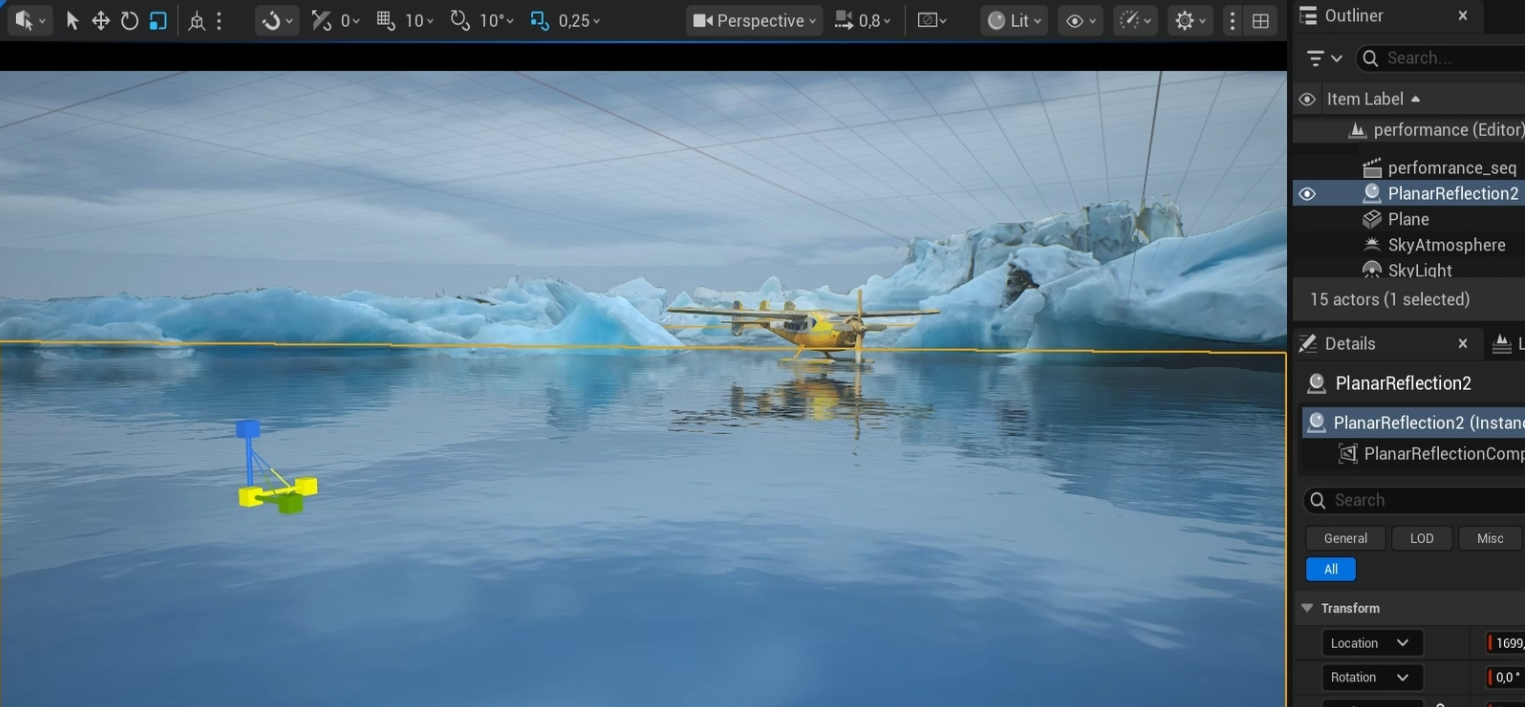
- Add a Planar Reflection actor.
- Align it with the reflective asset and adjust it to cover the desired surface.
- Go to: Edit → Project Settings.
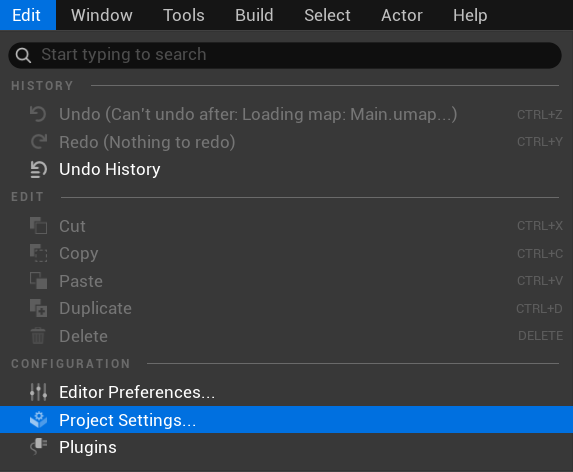
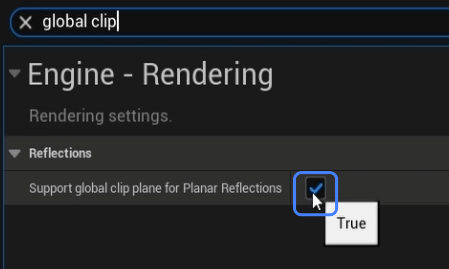
- Enable Support global clip plane for planar Reflections option and Restart Unreal Engine if necessary.