Before continuing, please review the Installation section.
Depending on how the Volinga Plugin was installed, you may encounter issues when packaging your project.
Recommendation
If you plan to package your project, we recommend installing the Volinga Plugin at the Engine level, inside the C:\Program Files\Epic Games\UE_5.X\Engine\Plugins\Marketplace folder.
¶ Licensing Considerations
Considerations
Before packaging your project, make sure to review the licensing conditions for your plugin.
-
Trial, Plugin Basic, and Plugin Pro licenses are tied to the hardware used to generate the build.
If you run the build on a different device, a watermark may appear or your models may not render. -
To distribute your build on any device without restrictions, you will need a DEPLOYMENT license.
For licensing information and requests, contact salesteam@volinga.ai.
¶ Packaging the Project
To package and generate a build of your project:
- Open your project in Unreal Editor.
- In the main menu, go to: Platforms → Package Project → Package Project
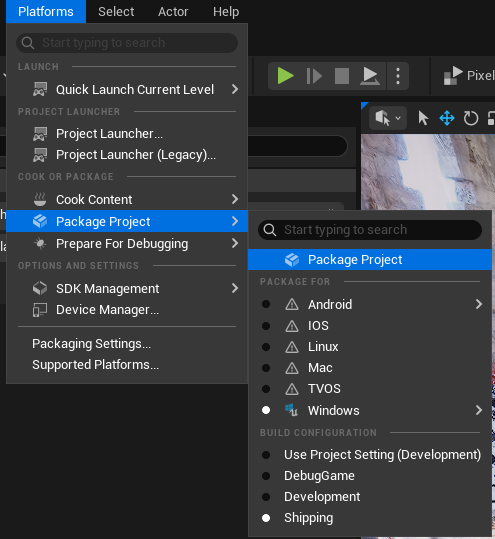
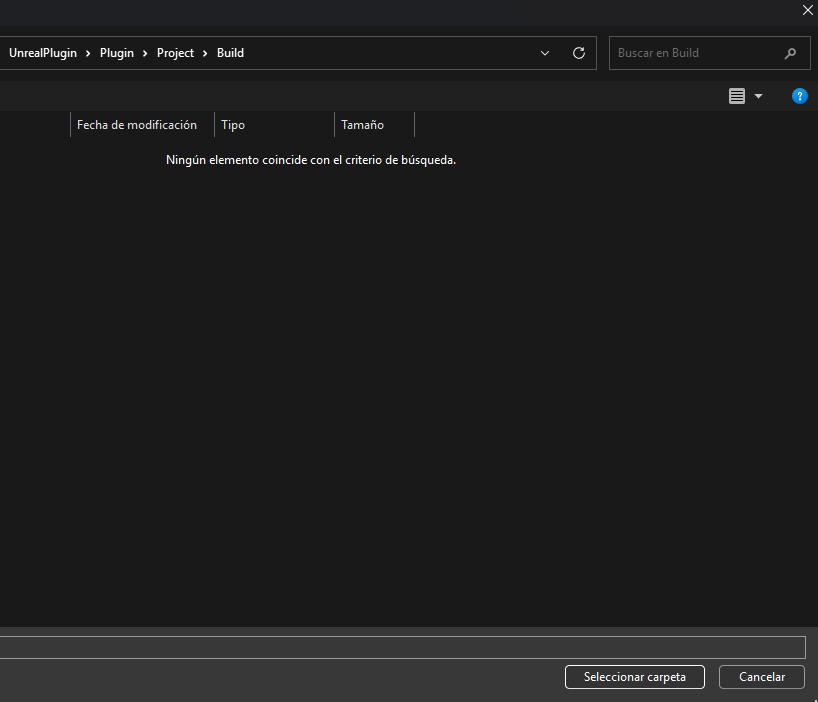
Unreal Engine will then begin the packaging process and generate the build.
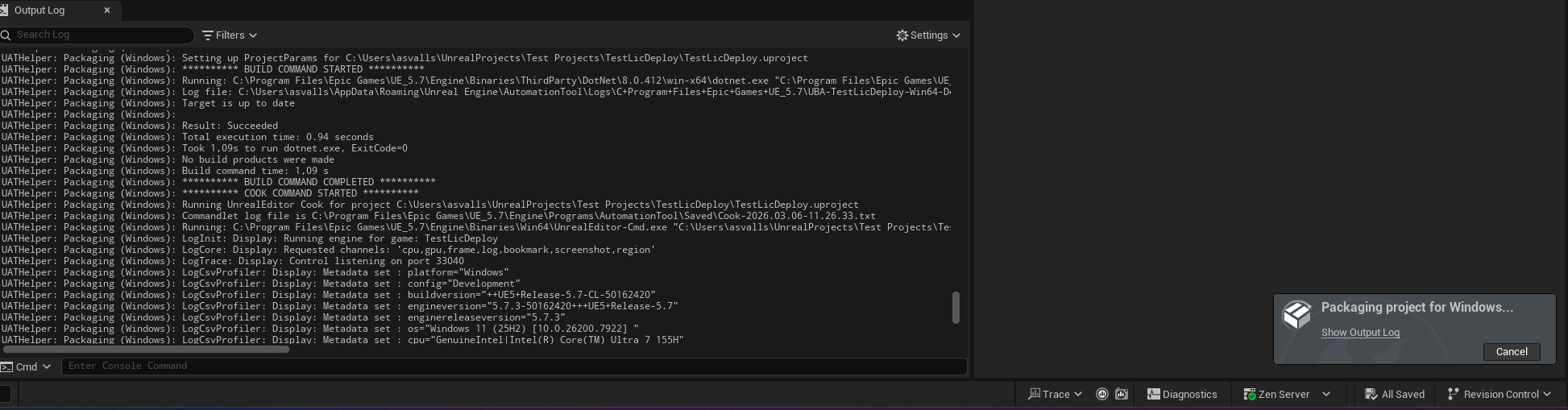
Important
Currently, builds are only supported for Windows.
¶ Possible Errors and How to Fix Them
Below are some solutions you can try if the packaging process fails.
¶ Plugin Installed at Project Level Without C++ Support
If the plugin is installed at the project level and your project does not contain any C++ code, Unreal Engine may fail to compile or link the plugin modules correctly.
This usually happens because the project does not have a generated Visual Studio solution.
You can fix this by following these steps:
- Open your project in Unreal Editor.
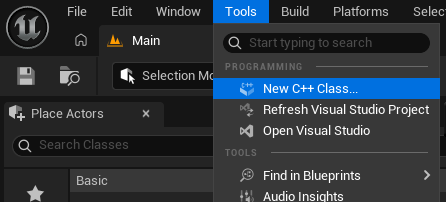
- Go to: Tools → New C++ Class
- Close Unreal Engine.
- In your project folder, delete the following directories: Binaries and Intermediate
- Reopen the project in Unreal Engine and allow it to recompile the Volinga Plugin modules. (Select: Yes)
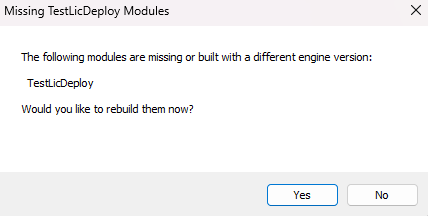

After the solution has been generated and the plugin modules compiled correctly, the build process should complete successfully.